Log activity from the sidewalk, not the office
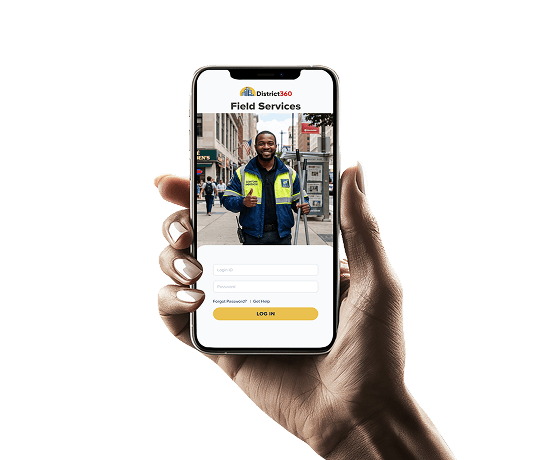
White-labeled iOS and Android app with your branding and service types. Icon-heavy interface designed for gloved hands. Cleaning, safety, outreach, and maintenance teams each see their own view.
D360 Streets gives ambassadors a mobile app, supervisors real-time patrol visibility, and leadership the reporting they need. Every activity connects back to properties, businesses, contacts, and district reporting through the District360 CRM Platform.
For clean and safe programs, ambassador teams, and public space operations leaders
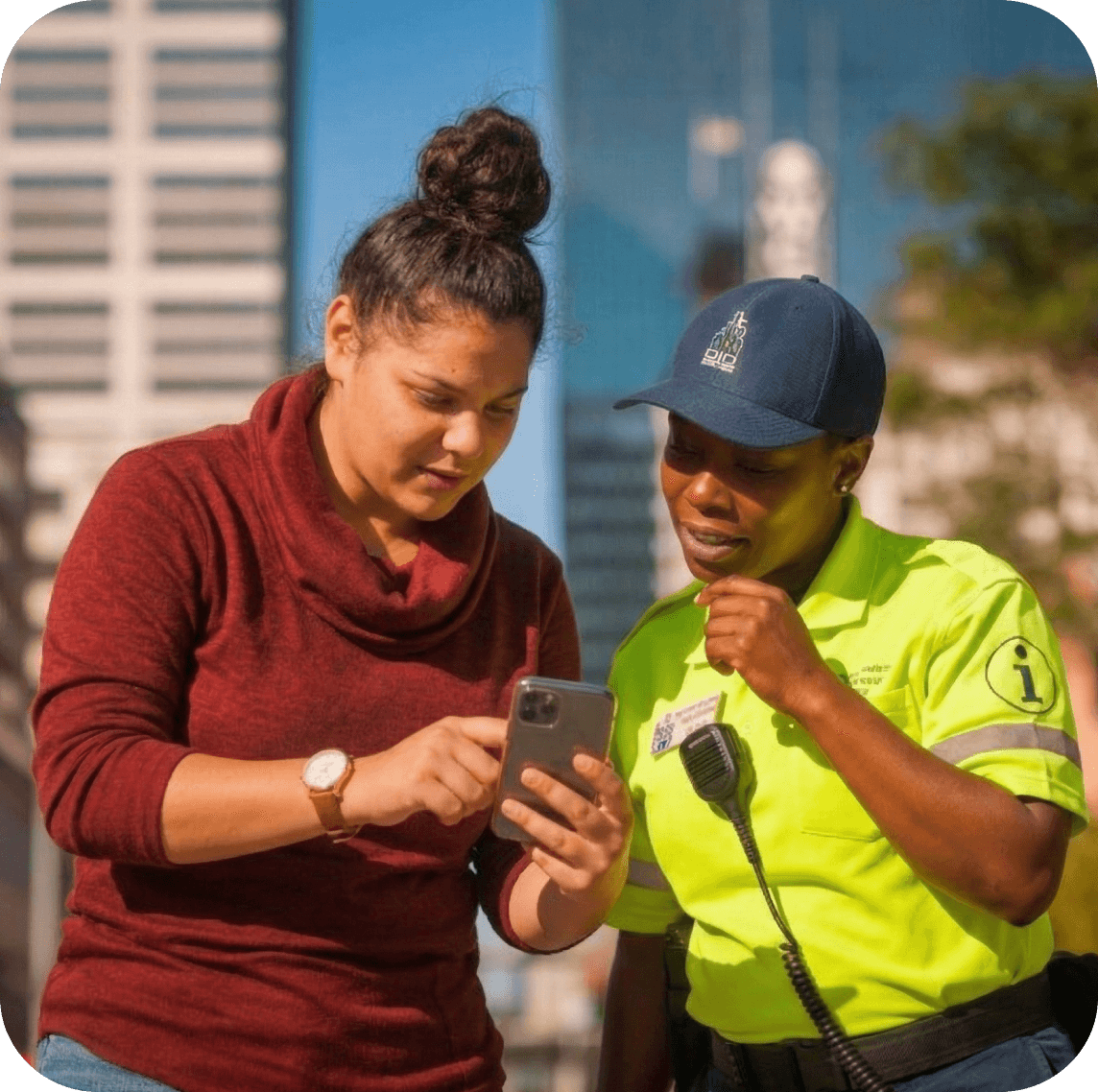
Ambassadors handle hundreds of interactions every week. The work gets done. But without photos, locations, timestamps, and property-level data, the evidence never makes it to your board or stakeholders.
Ambassadors return to the office to file work orders. The reporting becomes the job instead of the patrolling.
Where is the team right now? Did they cover their zones? When a stakeholder says "we never see anyone", you have no data.
Property owners ask what you have done for them. Without service data tied to their property, the answer is anecdotal.
Clean and safe data sits in one system. Property data sits in another. There is no way to connect the two.
Pulling data from multiple sources, building charts by hand. Monthly reports should take minutes, not days.
D360 Streets replaces paper-based tracking, clunky patrol software, and disconnected spreadsheets with one mobile platform connected to your district CRM.
Open the app. Tap an icon. Submit. Under 30 seconds per service request. GPS patrol tracking runs in the background.
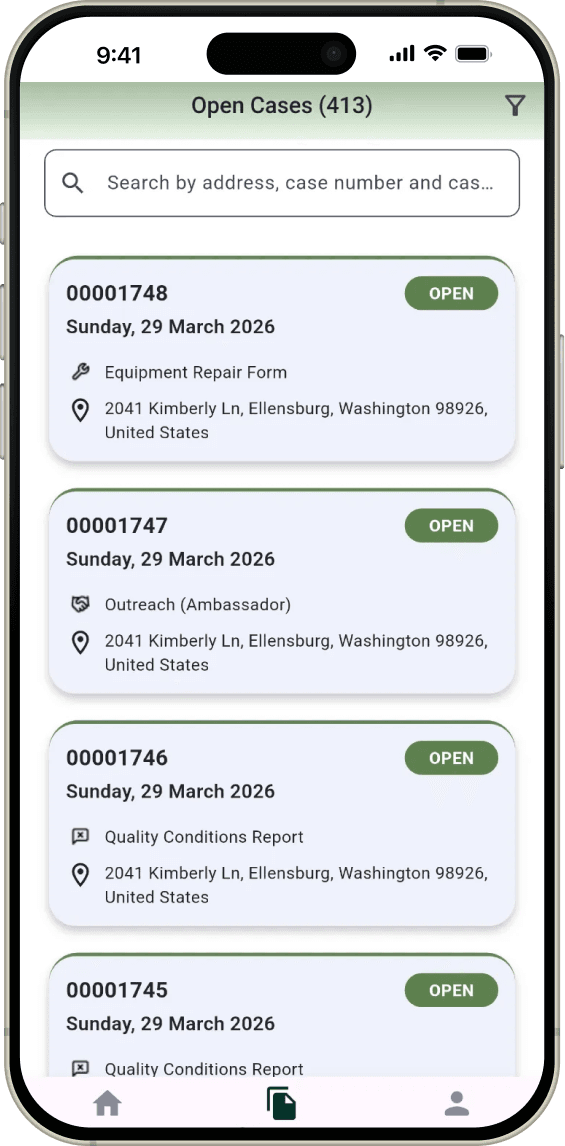
Open the app. GPS patrol tracking begins automatically.
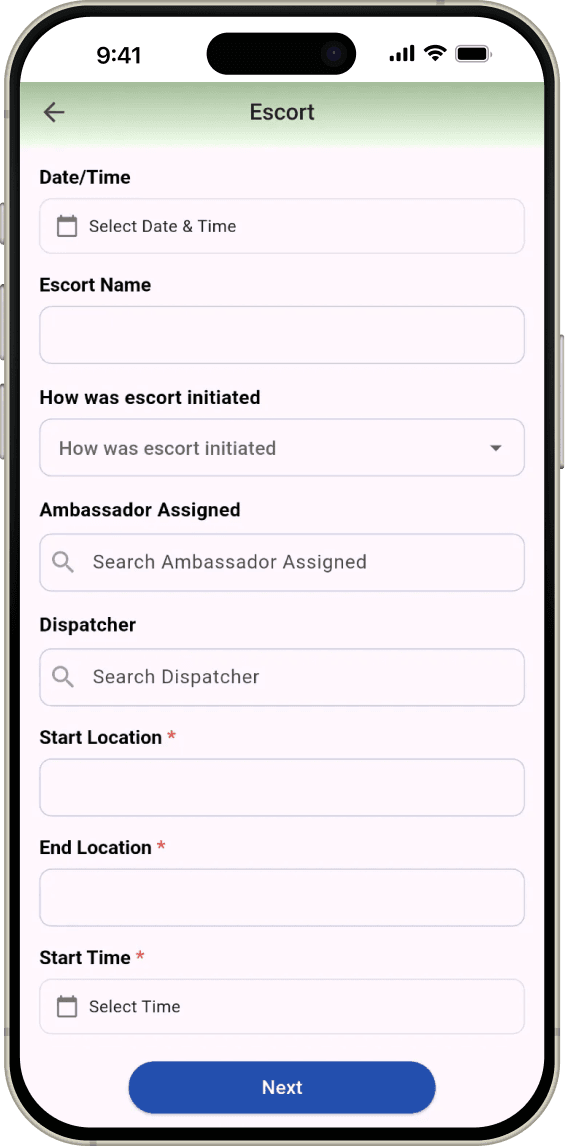
Tap the type. Pin the location. Add a photo. Fill a few fields.
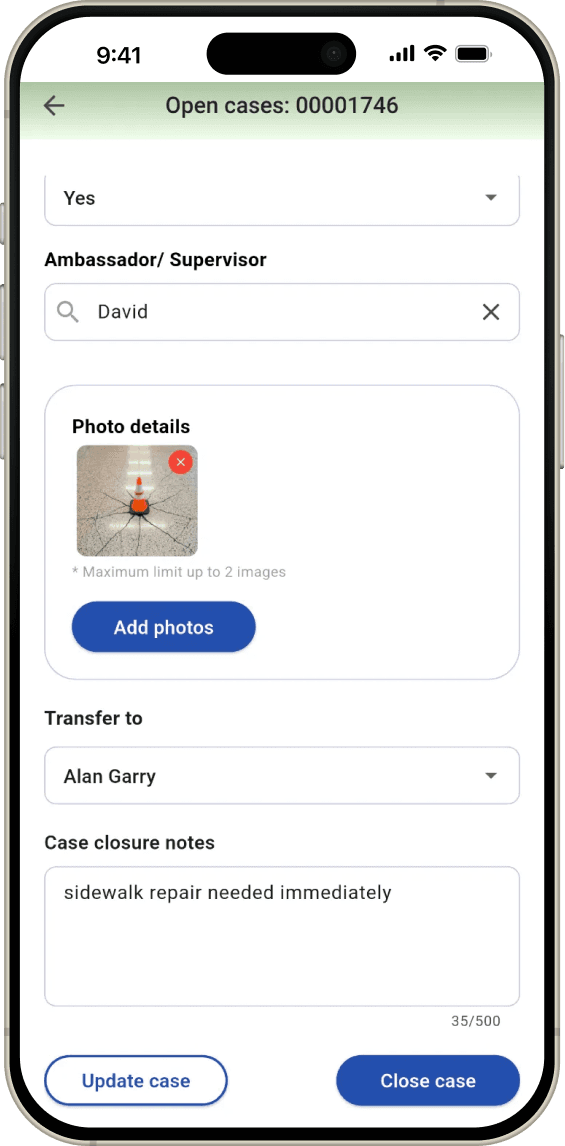
Close on the spot if done. Or assign to a colleague or different team.
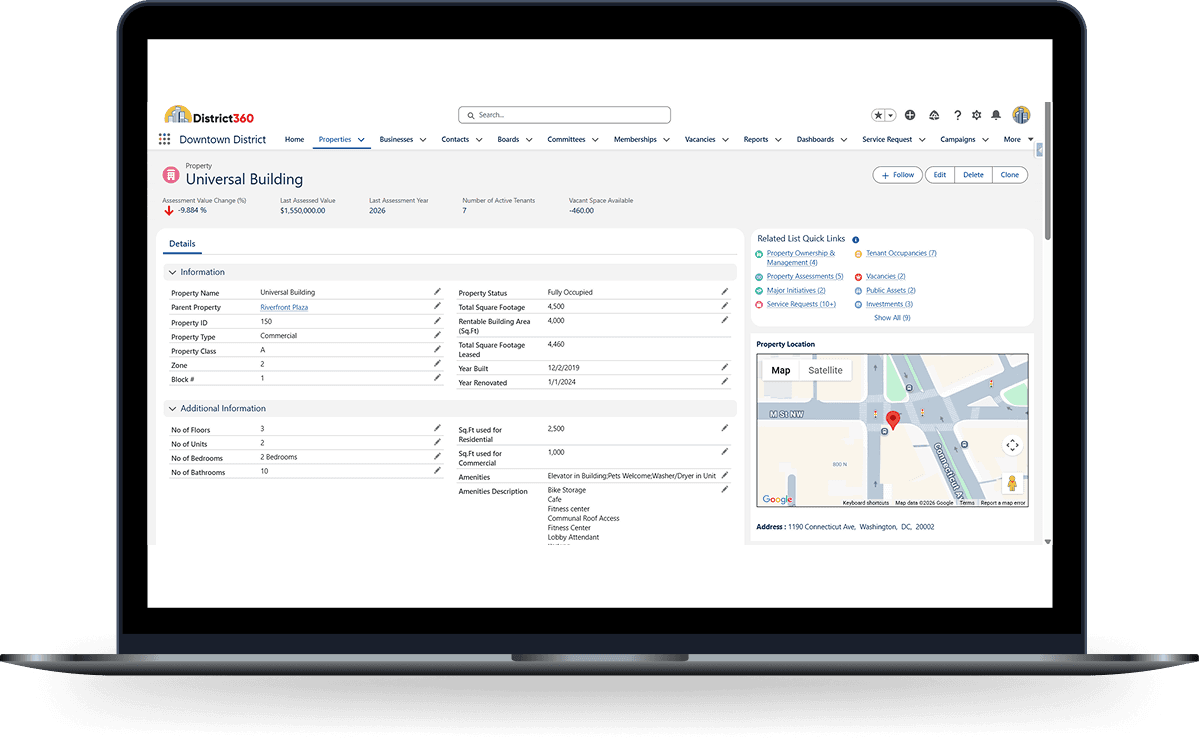
Every request ties to a property, business, and contact in the CRM.
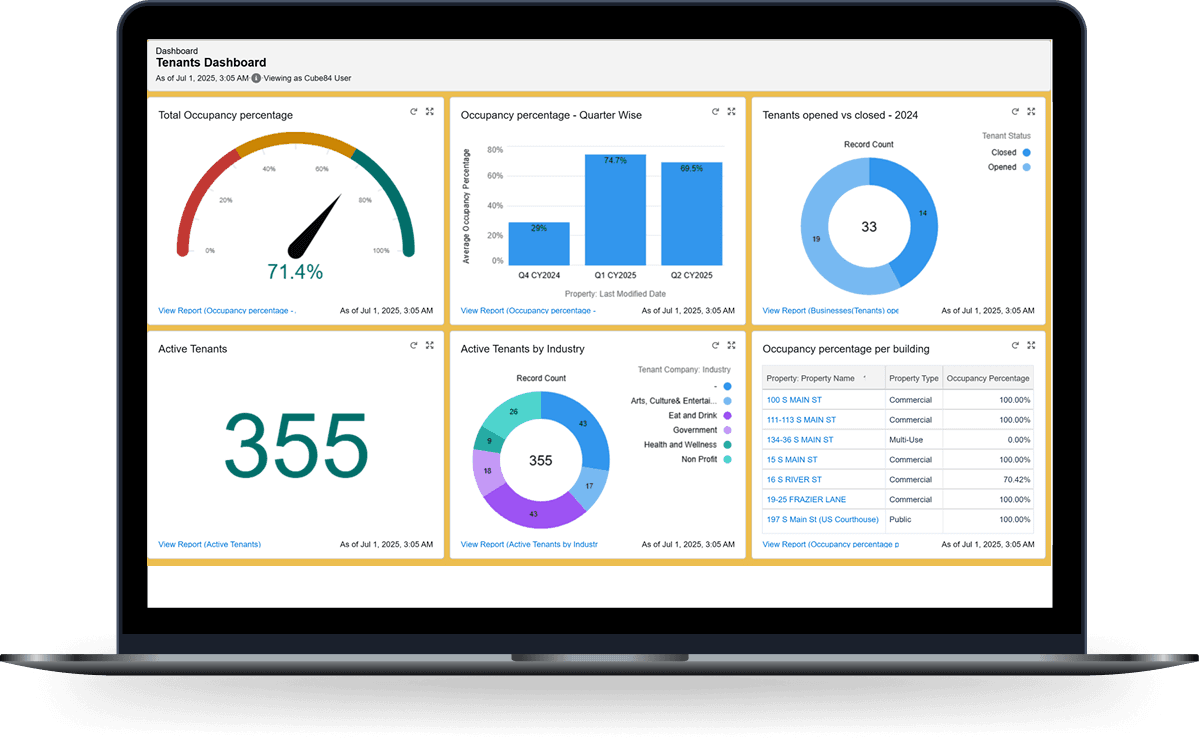
Dashboards update in real time. No manual assembly needed.
This is how districts go from anecdotal reporting to real accountability.
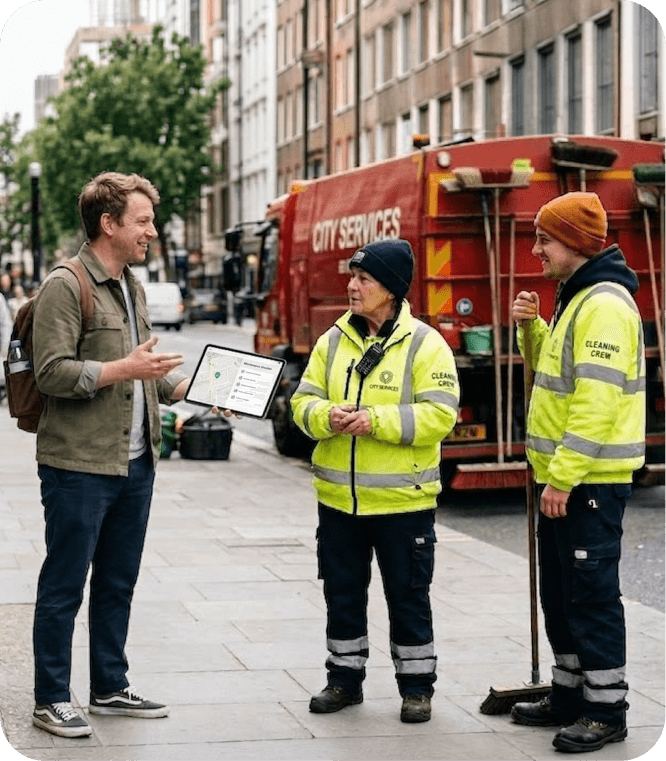
D360 Streets does not just collect field activity. It connects every service request, patrol route, and quality of life interaction back to the properties, businesses, and stakeholders in your District360 CRM. That is what turns a reporting tool into an accountability platform.
There are other patrol and reporting tools in the market, but most were not built for place management organizations. D360 Streets was.


Every district configures its own service types, categories, and workflows.
White-labeled iOS and Android app with your branding and service types. Icon-heavy interface designed for gloved hands. Cleaning, safety, outreach, and maintenance teams each see their own view.
Select the type. Fill a few fields. Tie to a property or business. Pin the GPS location. Add a photo. Submit. Your team calls them service requests, work orders, cases, or tags. The system adapts.
Before and after photos attached to every case. Image compression keeps file sizes manageable. Documented evidence for graffiti removal, biohazard cleanup, and every other service type.
Define geographic checkpoints across your district. The app detects when an ambassador passes through. Reports show which checkpoints were cleared and which were missed each shift.
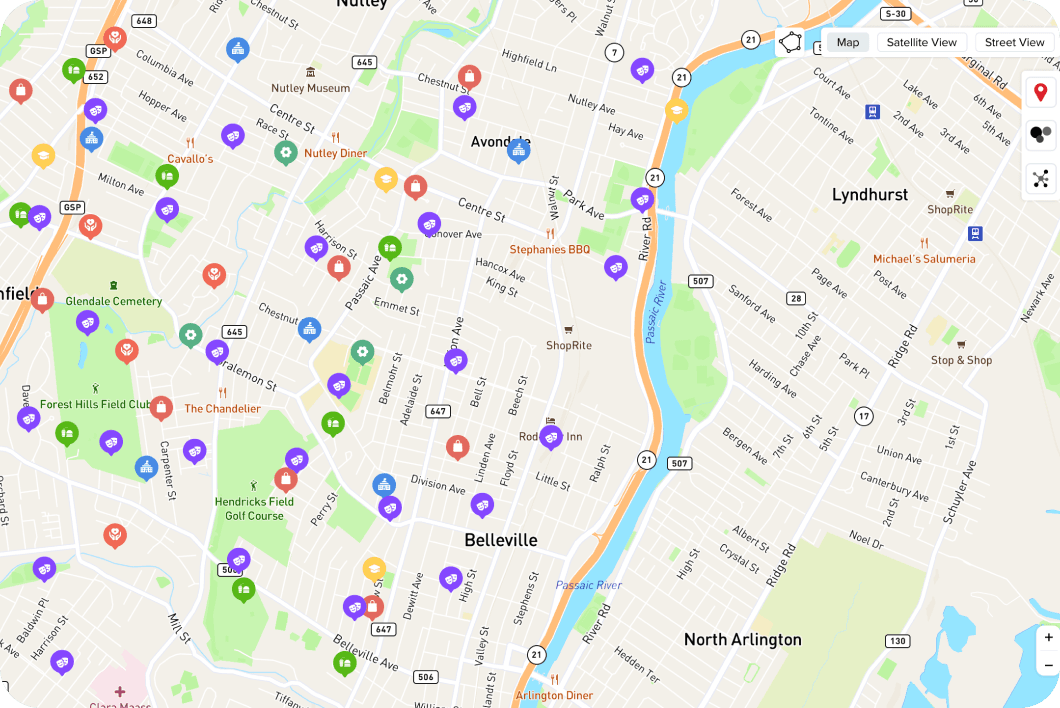
Real-time map showing every active ambassador. See who is in the field, where they are, and dispatch to the nearest team member. Zone overlays match your district boundaries.
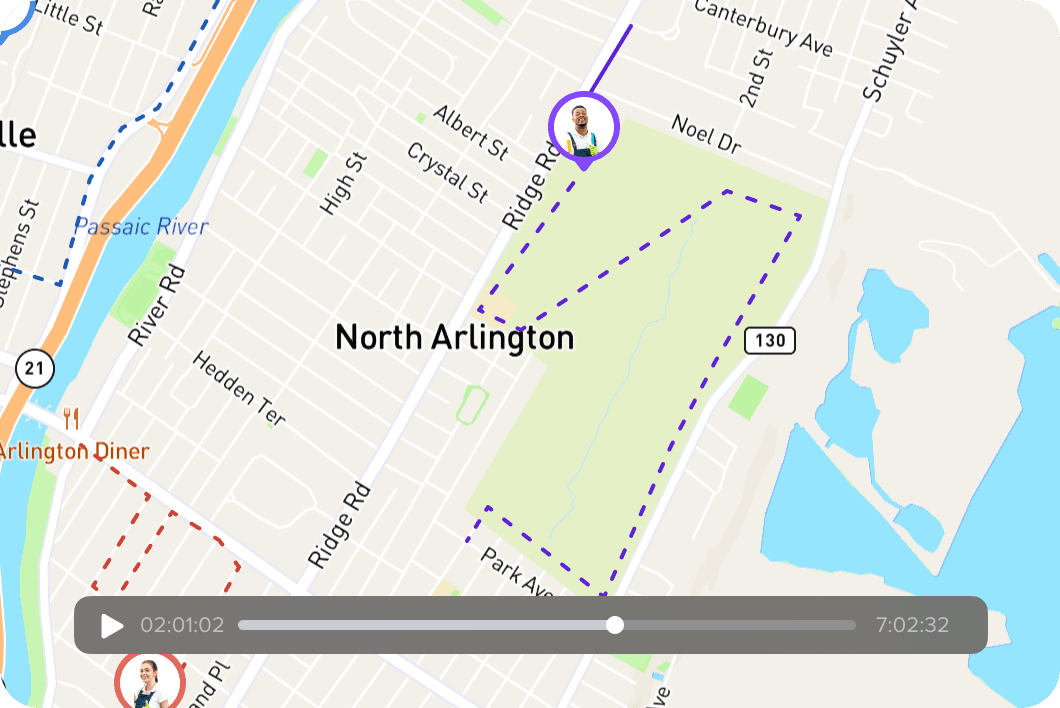
GPS tracks ambassador location throughout their shift. Supervisors search by name and date to see the patrol route on a map. Play back the route at 3x speed. See which zones and block faces were covered.
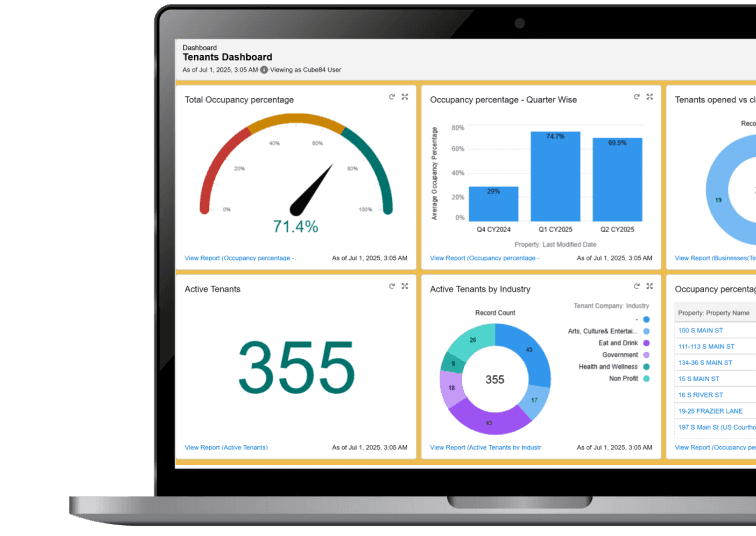
Total cases, trends, response times, shift comparisons, year-over-year analysis. Every widget is customizable. Subscribe dashboards to your inbox. Export for board packets and city reports.
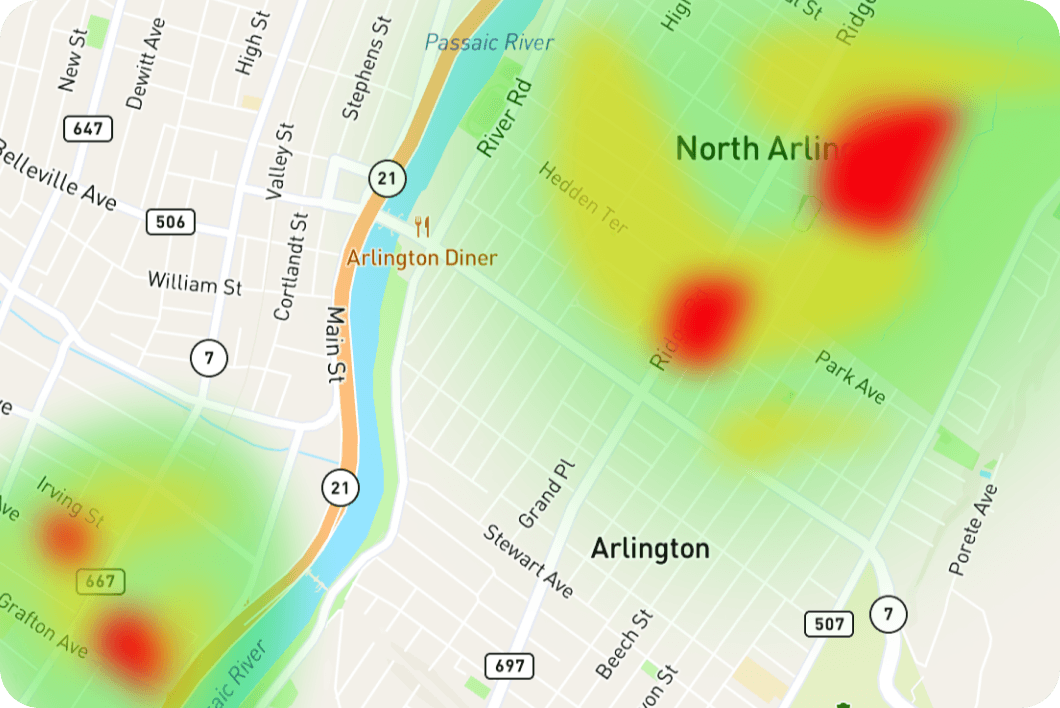
Heat maps show where incidents cluster. Draw geofences to isolate areas. Filter by type, date, or zone. Share hotspot data with local police. Allocate ambassadors based on where the work is actually happening.
Benches, trash receptacles, light poles, planters, banners, wayfinding signs. Track location, condition, and maintenance history. QR code scanning for field inspections. Assets link to properties and service requests.
Search any ambassador by name and date. Watch their route animate on the map with timestamps and checkpoint markers.
Visualize where incidents cluster across your district. Filter by type, date range, or zone. Export for police partnerships or board reporting.
See how many cases were created, resolved, and pending at any property. Response times, trends, and stakeholder-ready reporting.

We have been working with District360 since 2019, and they have been a great team to partner with. We have worked closely with the team for District360 Streets for our staff and ambassadors. They have been very receptive and accommodating to the many changes we’ve made along the way. District360 is a valuable tool for data collection for our BID, and we continue to work with them to identify opportunities to maximize our efficiencies and processes.
Best fit for teams that need better field accountability, clearer reporting, and stronger connections between service activity and stakeholder value.
Most districts are live within 8 to 12 weeks, with faster rollouts possible for simpler configurations. We guide you through every step.

We learn your team structure, service types, patrol zones, shift schedules, and reporting needs.
We build your custom mobile app with your branding, service types, and team structure. iOS and Android.
Your team tests the app in the field. Hands-on training for ambassadors, supervisors, and administrators.
Your team goes live with a dedicated project manager. Ongoing support and managed services continue after launch.
average response time, down from 7 minutes through better patrol accountability

of open service requests resolved after deploying D360 Streets

to create a service request in the field, down from 5+ minutes

reduction in manual board reporting time through automated dashboards
service requests collected and reported to stakeholders and police
Most patrol and reporting tools collect field data but store it in a silo. D360 Streets connects every service request, route, and activity back to the properties, businesses, and contacts in your District360 CRM. That connection is what makes it an accountability platform rather than a standalone logging tool.
The CRM Platform is the backend. Service request data flows into it automatically, where it connects to properties, businesses, contacts, and board reporting. Without that connection, field data has no context. With it, you can answer "what have you done for this property?" in seconds.
Yes. Every district gets a custom-branded app with their logo, colors, service types, data fields, and team structure. Cleaning, safety, outreach, and maintenance teams each see their own interface.
There is no limit and no per-ambassador cost. Districts use D360 Streets with 4 to over 100 ambassadors. Add or remove users at any time by checking a box in the backend.
Approximately 30-50 feet in open areas. The app uses battery-optimized collection at defined intervals during the shift. GPS data is not collected outside shift hours.
Yes. The basic tier includes the mobile app and case management without GPS tracking. You can add ambassador patrol tracking, checkpoint verification, and route playback when your team is ready.
Discovery, app configuration, testing, and training. Most districts go live in 8 to 12 weeks. You get a dedicated project manager. We handle the setup. Your team focuses on learning the system.
Yes. If you are moving from TrackTick, Officer Apps, spreadsheets, or another tool, we import your historical data during implementation.
You own all data. It is stored in Salesforce under your control. Export anytime in CSV, Excel, or PDF. There is no vendor lock-in. Your data and history leave with you.
It depends on the platform. Some districts use D360 Streets as a full replacement. Others connect it alongside a system like SMART System. We can discuss what makes sense for your district on a demo call.
Yes. The app works on personal devices. GPS tracking only runs during shift hours and the app can auto-logout at shift end. Many districts use a mix of district-provided and personal devices.
We will walk through the app, patrol tracking, dashboards, and CRM connection using a real clean, safe, or outreach workflow.