D360 Streets
The mobile app and operations dashboard for ambassador teams. Patrol tracking, service requests, checkpoint verification, quality of life reporting, and real-time field visibility.
Explore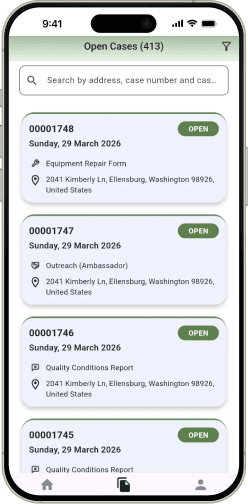
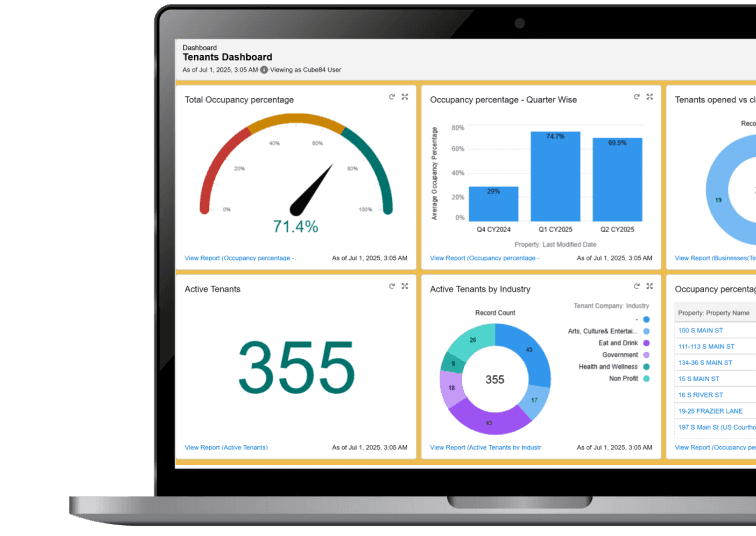
District360 gives operations and public space leaders real-time visibility into ambassador activity, service requests, public asset conditions, and program performance, with a mobile app for field reporting.
Most of that accountability depends on data you do not have. Ambassador activity is logged on paper or not at all. Service requests live in email. Patrol coverage is estimated, not measured. When the board asks what your team accomplished, the answer is based on memory.
Built for operations leaders, public space teams, and clean and safe programs.
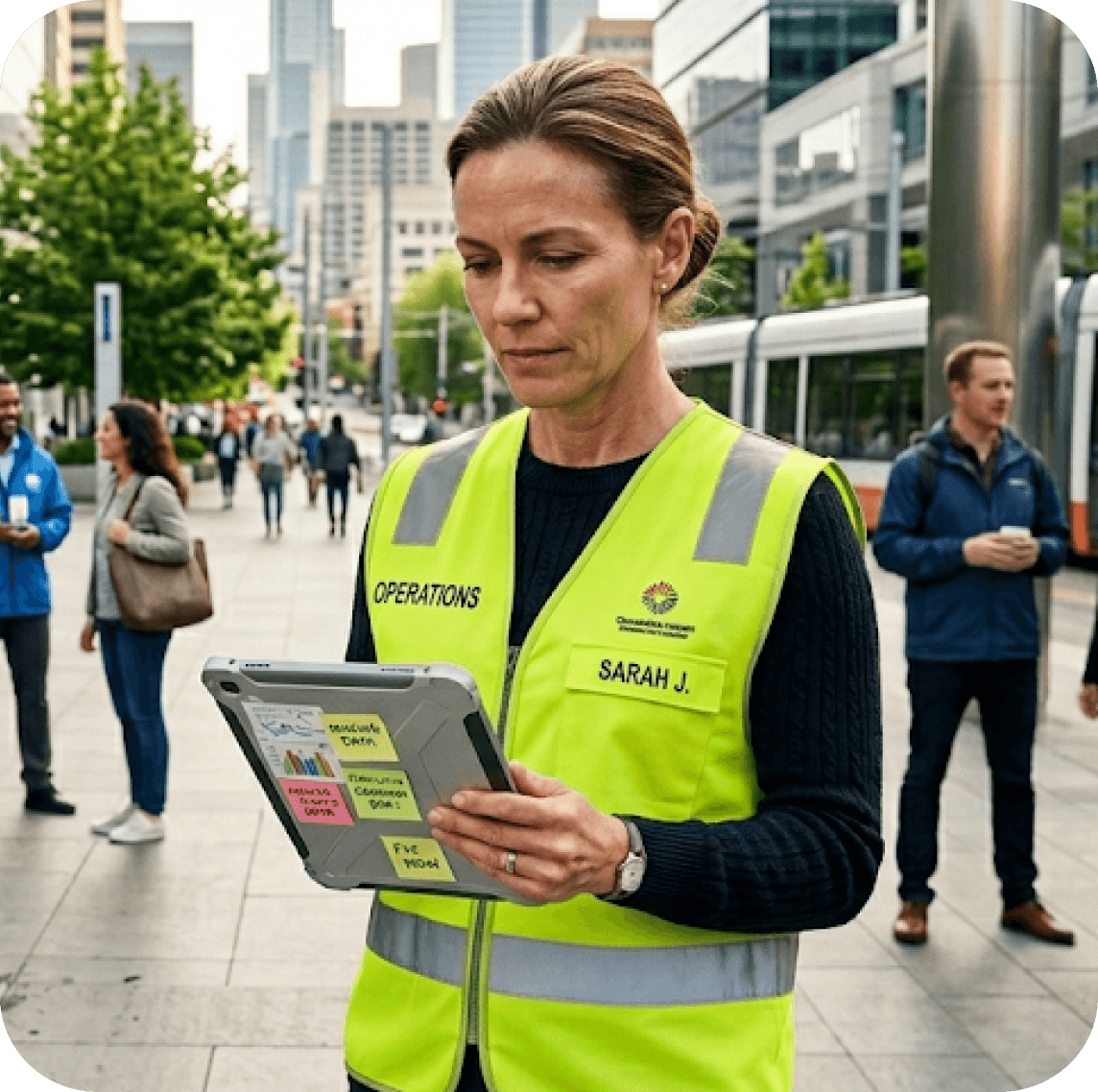
Ambassadors log issues, complete routes, respond to requests, and keep the district moving every day. But when that work lives in paper notes, emails, and end-of-shift updates, it is hard to turn visible effort into board-ready proof.
Requests come in through calls, emails, and walk-ups. There is no shared system for logging, assigning, tracking, or resolving cases. Follow-up depends on individual staff memory.
When the board or executive director asks how many service requests were resolved, how much of the district was patrolled, or what the team accomplished this month, the answer is often an approximation.
Benches, lights, planters, signage, and trash receptacles are cataloged in spreadsheets or not tracked at all. Maintenance history, condition, and location are difficult to manage consistently.
You know your team is out in the district, but you cannot see where they are, what they are doing, or how much of the district they have covered. Patrol data is logged manually or not tracked at all.
Service requests are not connected to properties. Ambassador activity is not connected to stakeholders. When a property owner asks what has been done near their building, finding the answer takes time.
D360 Streets gives your team a mobile app to capture activity in the field and gives you a real-time dashboard to see it. Every service request, patrol route, and quality of life interaction connects back to the properties and stakeholders it relates to, through the District360 CRM.
See where ambassadors are, which block faces they have covered, and which areas need attention. Patrol route playback shows exactly where your team has been. Checkpoint verification confirms that key locations were visited.
Ambassadors log service requests, quality of life interactions, and work orders directly from the mobile app. Cases are assigned, tracked, and resolved with timestamps, photos, and location data.No more paper forms or email threads.
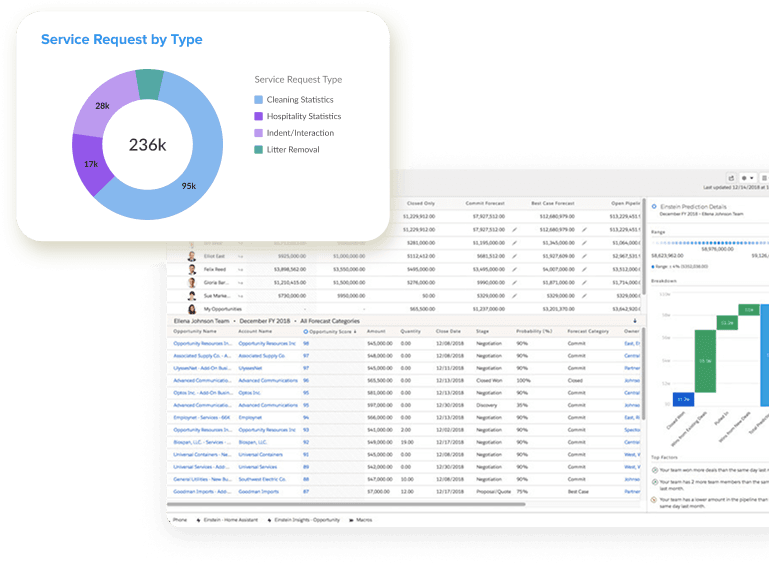
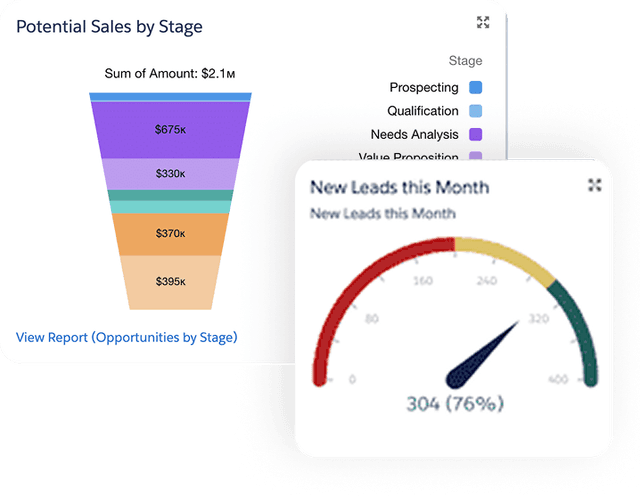
Dashboards showing service requests resolved, ambassador activity, patrol coverage, quality of life interactions, and response times. Export for board packets and leadership updates. Updated in real time.

Catalog every public asset in your district: benches, lights, planters, signage, trash receptacles. Track location, condition, installation date, and maintenance history. Connect assets to service requests and properties.

Separate activity types for safety and hospitality ambassadors, social service outreach teams, and clean teams. Track interactions, cases, and outcomes by program so you can report on each independently.
Service requests tie to property records. Ambassador activity ties to block faces and locations. When a stakeholder asks what your team has done near their building, the answer is in the system. Operations data feeds into the same dashboards your executive director uses.
We can walk through ambassador tracking, service request management, patrol coverage dashboards, and quality of life reporting using examples from districts like yours.
From the first patrol check-in to the end-of-day report, your team's activity is captured, connected, and ready to share with leadership.
See which ambassadors are active, which block faces have been covered, and which areas still need attention. Adjust deployment if needed.
New requests come in from the field with photos and location data. Assign cases, track progress, and verify resolution without leaving the dashboard.
A property owner called about an issue near their building. Pull up the address and see every service request, ambassador visit, and quality of life interaction logged in that area.
Total service requests resolved, patrol coverage percentage, quality of life interactions, and response times. Export for the executive director or board packet.
Every report updates automatically with live data from the field.



Taking our analog workflow and making it work in a modern platform seemed daunting at first, but the District360 team has been wonderful to work with. They handle endless spreadsheets and scattered data with ease and are encouraging throughout the process. We have tried other platforms and they do not compare.
The mobile app and operations dashboard for ambassador teams. Patrol tracking, service requests, checkpoint verification, quality of life reporting, and real-time field visibility.
ExploreMember businesses and stakeholders are contacts in the same CRM. When a member reports an issue, the service request connects to their record and their property.
Explore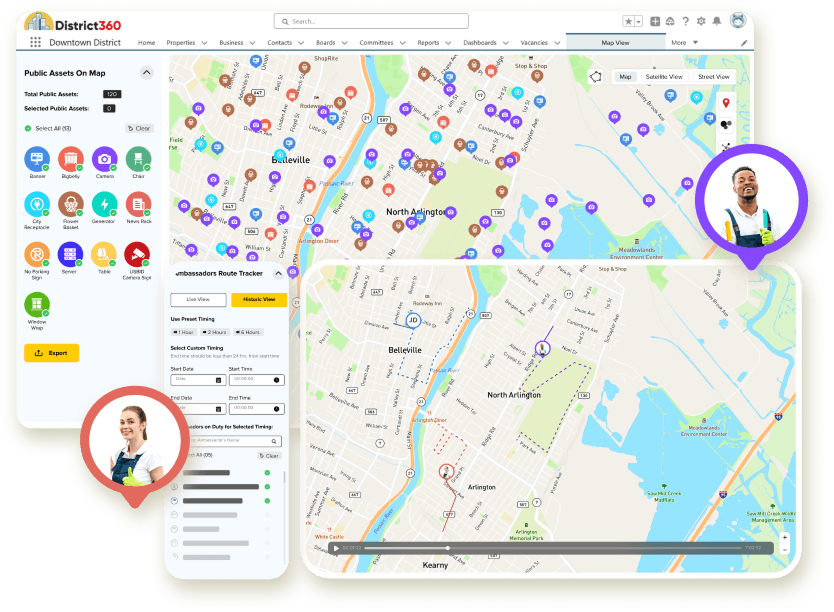
Properties, contacts, assessments, and district reporting. Service requests from D360 Streets connect to property records so operations data ties to the rest of the organization.
ExplorePublish clean and safe metrics, public safety dashboards, and program impact data on your district website. Show stakeholders what your team is doing.
ExploreD360 Streets is the mobile app and operations dashboard within the District360 platform. It is designed for ambassador teams working in the field and the supervisors and operations leaders who manage them. Ambassadors use the mobile app to log activity, service requests, and quality of life interactions. Supervisors and leaders use the dashboard for real-time visibility into patrol coverage, team performance, and program reporting.
D360 Streets tracks ambassador patrol coverage by block face in real time. You can see which areas have been covered, which checkpoints have been verified, and which parts of the district still need attention. Patrol route playback lets you review where an ambassador has been during a shift. Coverage data feeds into dashboards and reports automatically.
Yes. Ambassadors log service requests, quality of life interactions, and work orders directly from the D360 Streets mobile app. Each entry includes location data, timestamps, photos, and case details. Cases are assigned, tracked, and resolved within the system.
Yes. D360 Streets supports separate activity tracking for safety and hospitality ambassadors, social service outreach teams, and clean teams. You can report on each program independently: service requests by type, interactions by team, patrol coverage by program, and outcomes by category.
Service requests in D360 Streets connect to property records in the District360’s CRM Platform. Ambassador activity ties to locations, block faces, and properties. When a stakeholder asks what your team has done near their building, the answer is connected to their property, their contact record, and their communication history.
Yes. Dashboards track patrol coverage, service requests resolved, ambassador activity, quality of life interactions, response times, and program outcomes. Reports update automatically with live data and can be exported for board packets, city presentations, and stakeholder updates.
Yes. You can catalog every public asset in your district with location, condition, installation date, and maintenance history. Assets connect to service requests so you can track issues, repairs, and replacement history over time.
No. D360 Streets works on standard smartphones. Ambassadors use the mobile app on their existing phones. No specialized hardware is required.
Yes. When paired with D360 WebSuite, you can publish clean and safe metrics, public safety dashboards, and program impact data on your district website. This helps communicate the value of your operations programs to stakeholders and the community.
Most districts are live with D360 Streets within 2 to 4 weeks. Implementation includes discovery, setup based on your team structure and patrol areas, mobile app deployment, training for ambassadors and supervisors, and go-live support.
Property data, vacancy tracking, tenant pipeline, and occupancy reporting
Learn more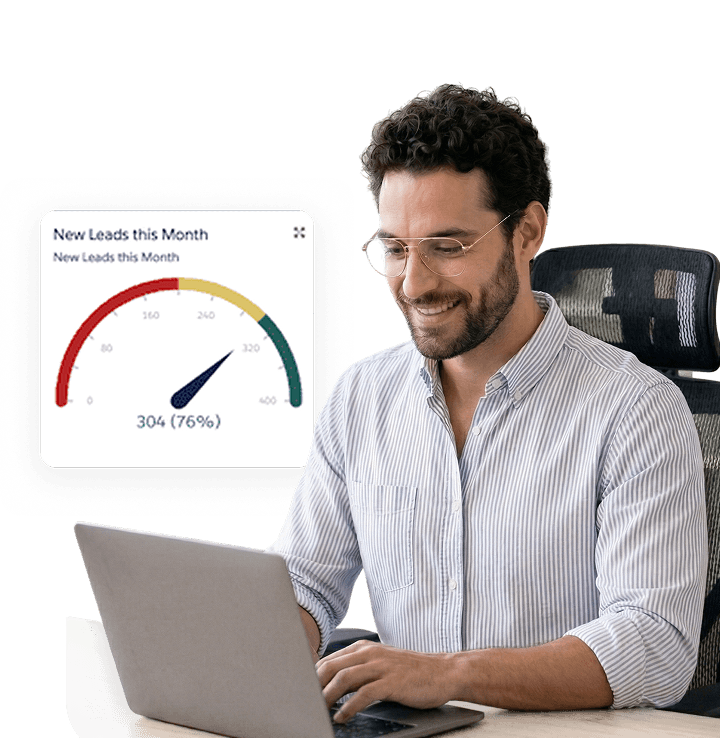
Contact segmentation, targeted outreach, email integration, and engagement
Learn more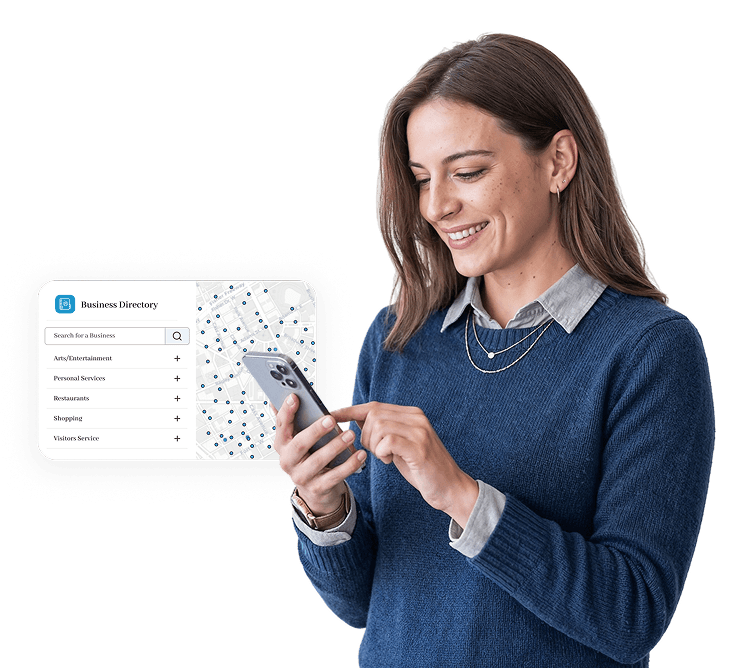
Board reporting, stakeholder oversight, and district performance
Learn more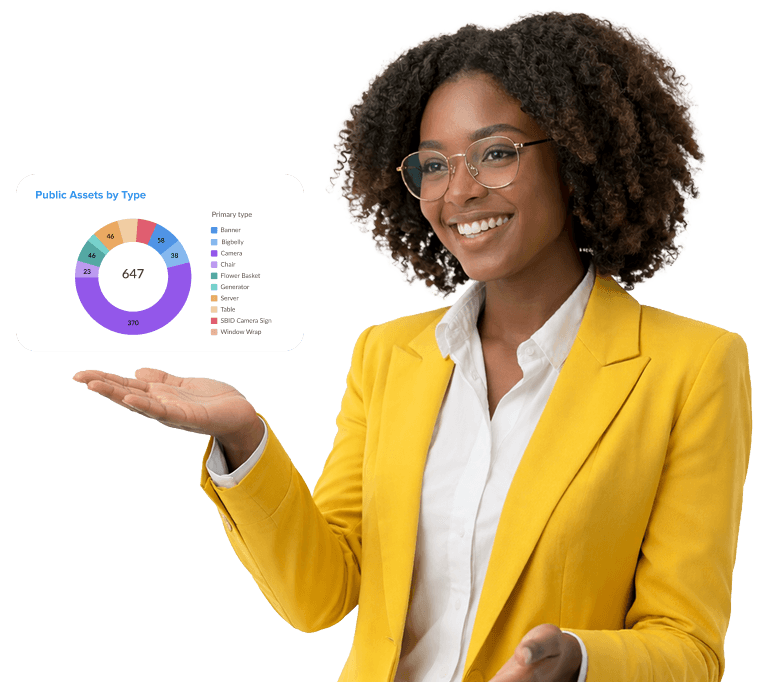
We will walk through ambassador tracking, service request management, patrol coverage, quality of life reporting, and real-time dashboards using examples from districts like yours.