CRM Platform
Properties, assessments, contacts, board governance, and district reporting. The foundation for everything an executive director needs.
Explore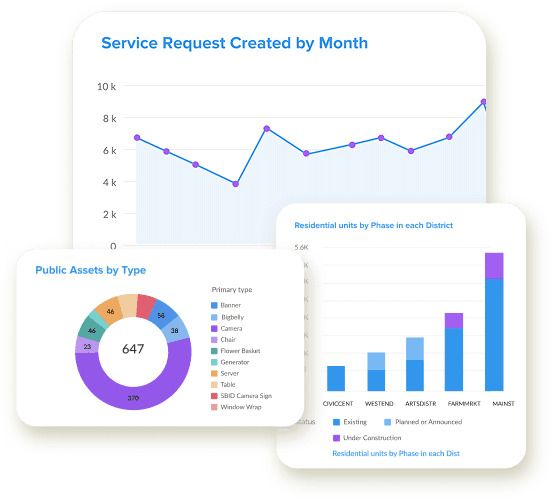
District360 gives executive directors and presidents one connected view of district performance, board governance, stakeholder relationships, assessments, and properties, so board reports take minutes and nothing falls through the cracks.
For presidents and executive directors managing board reporting, stakeholder relationships, assessments, and district performance
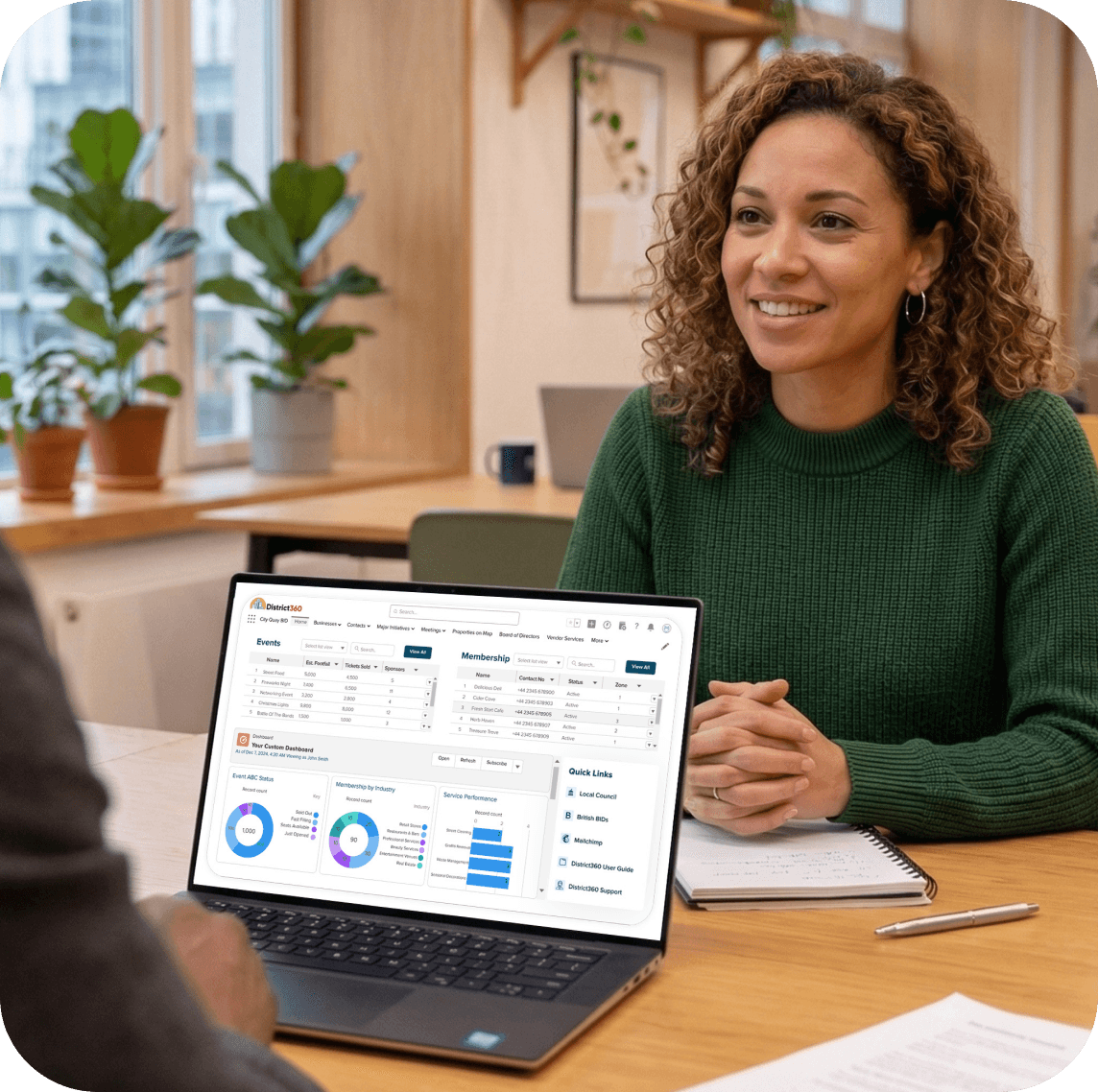
As an executive director, you are responsible for the whole organization at once — board reporting, strategic planning, stakeholder relationships, and proving value to property owners and city government. The challenge is that the data to support all of that rarely lives in one place.
Pulling assessment data, stakeholder updates, operations metrics, and program summaries from separate sources to build a board packet. It takes days every month or quarter.
When staff leave, relationship history, meeting context, and stakeholder intelligence go with them. There is no shared system of record.
Property ownership changes, missed collections, and data discrepancies are hard to catch when assessment records live in a spreadsheet.
Occupancy, assessments, operations, membership, and programs are tracked in different systems. You never have a complete picture when the board asks for one.
District360 brings properties, assessments, contacts, board governance, operations, and reporting into one connected platform. When you need a board report, a stakeholder's history, or a view of how the district is performing, it is already there.
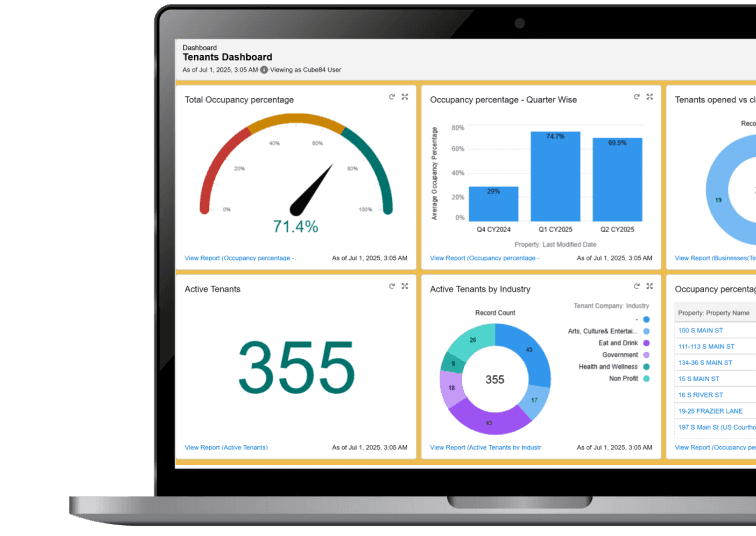
Dashboards that pull live data from every part of the platform. Assessment collections, occupancy rates, service activity, membership trends, and program outcomes. Export for board packets. Subscribe to your inbox on a schedule. Stop assembling reports by hand.
Board members with term dates, committee structures, meeting schedules, attendance tracking with proxy, and quorum checks. Board members linked to their properties and assessments. Know who is up for renewal, who has attended, and who needs follow-up.
Every property with its assessment amount, collection status, ownership, and year-over-year changes. Catch missed revenue and data discrepancies. Report assessment performance to your board and city with confidence.

Property owners, board members, sponsors, city contacts, business tenants, and community partners. Full communication history logged automatically through Outlook or Gmail. When staff leave, the relationship history stays.

Multi-year projects with projected vs actual amounts, sponsors, partners, and related properties. Capital projects, economic development programs, and grant-funded initiatives in one view. Show your board the progress without building a deck from scratch.
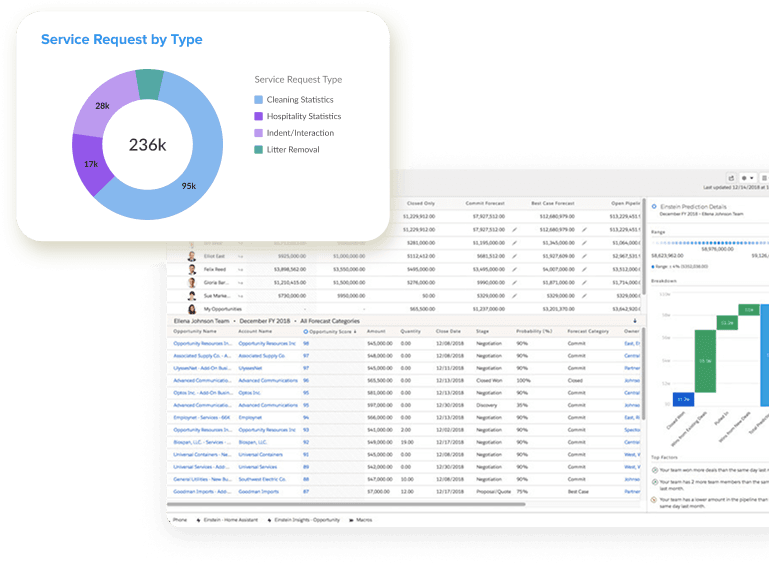
Occupancy rates, vacancy trends, business openings and closures, assessment collections, membership retention, and service delivery metrics on one dashboard. Know where your district stands at any time.
We can walk through board reporting, assessment data, stakeholder management, and district dashboards using examples from districts like yours.
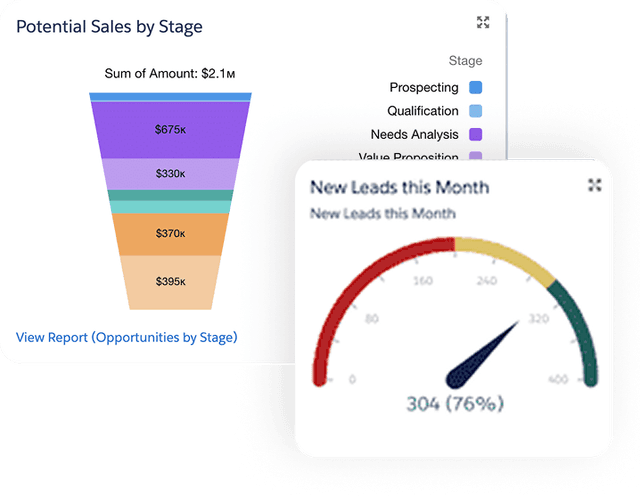
From the morning dashboard check to the end-of-quarter board packet, everything you need is in one place.
Assessment collections, occupancy rate, open service requests, and membership renewals due. One screen. No spreadsheets.
A property owner is coming in. Pull up their record: properties, assessment history, board seat, communication history, and recent service requests at their building.
Export dashboards for assessment performance, occupancy trends, operations activity, and major initiative progress. Minutes, not days.
Check week-over-week trends: service requests, ambassador activity, new members, vacant spaces filled. Share a summary with your leadership team.
Properties, assessments, contacts, board governance, and district reporting. The foundation for everything an executive director needs.
ExplorePublic space operations and ambassador patrol tracking. See what your clean, safe, and outreach teams are doing. Report results to your board.
Explore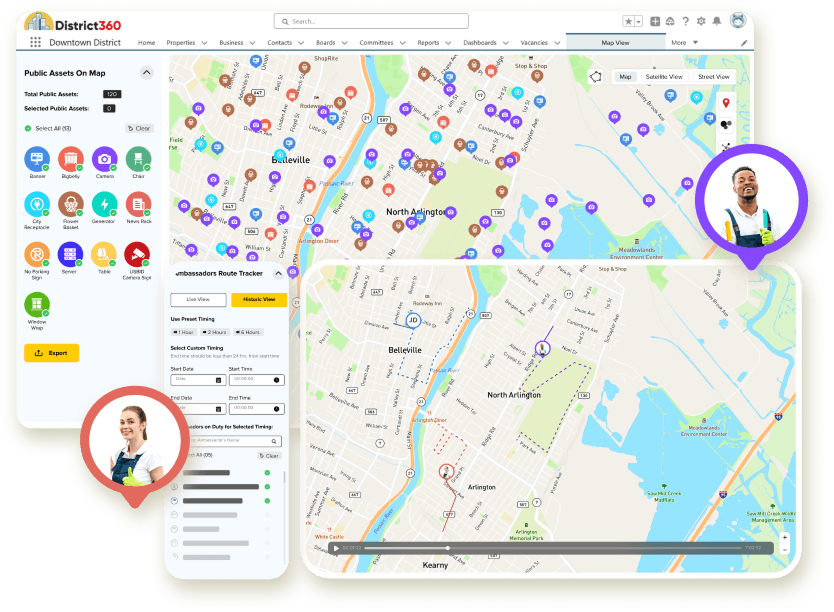
Membership and sponsorship management. Dues collection, renewals, and a branded member portal. Grow revenue beyond assessments.
ExploreYour district website designed, built, and maintained by a team that understands downtown. Business directories, events, and available spaces.
ExploreDashboards pull live data from every part of the platform. Assessment collections, occupancy rates, service activity, membership trends, and program outcomes are all available in real time. Most executive directors can generate a board-ready report in minutes rather than the days it takes to assemble manually from spreadsheets and separate tools.
Everything stays in District360. Communication history, meeting notes, stakeholder context, relationship details, and institutional knowledge are all logged in the platform. When staff turn over, the next person inherits a complete record. Nothing disappears with an individual.
Yes. The executive dashboard shows properties, assessment revenue, occupancy, vacancies, service requests, membership, and major initiatives in one view. You can drill into any area for detail. You do not need to pull data from separate systems to understand where your district stands.
Every property is tracked with its assessment amount, collection status, ownership history, and year-over-year changes. You can catch missed collections, identify discrepancies from ownership changes, and report assessment performance to your board and city with data you can trust.
Yes. Board members, term dates, committee structures, meeting schedules, attendance tracking including proxy, and quorum checks are all managed inside District360. Board members are linked to their properties and assessments. You can see who is up for renewal, who has attended meetings, and which committees need attention.
No. District360 is designed for lean downtown teams. Most of our customers do not have dedicated IT staff. We handle platform setup and customization during onboarding, and managed services continue after launch for ongoing support, training, and help desk access.
Most districts are live within 2 to 4 weeks. Implementation includes discovery, data import, platform setup based on your terminology and workflows, role-based training, and go-live support. You are assigned a dedicated project manager who guides your team through every step.
Yes. District360 supports role-based views and permissions. You see board dashboards and district-wide performance. Your economic development team sees properties, vacancies, and business data. Operations teams use D360 Streets for patrol tracking and service requests. Marketing uses contact segmentation and communications tools. Everyone works from the same connected data.
Yes. Multi-year projects are tracked with projected vs actual amounts, sponsors, partners, related properties, and milestones. Economic development programs, capital projects, and grant-funded initiatives all live in the same platform. You can report progress to your board without building a separate presentation.
We walk through the executive dashboard, board reporting, assessment data, stakeholder records, and district-wide metrics using examples relevant to your organization. It is not a generic product walkthrough. We focus on the information and reporting an executive director relies on every day.
Property data, vacancy tracking, tenant pipeline, and occupancy reporting
Learn more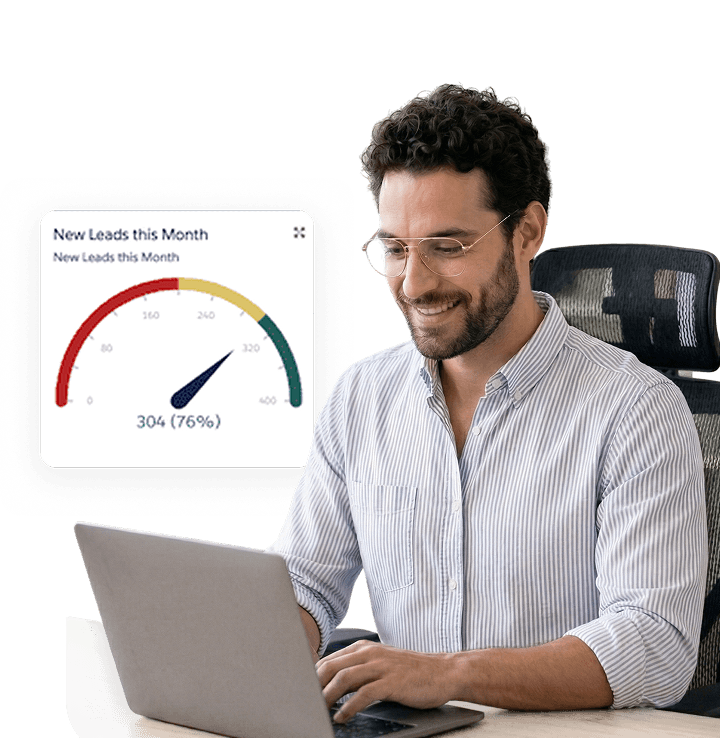
Patrol tracking, service requests, quality of life reporting, and accountability
Learn more
Contact segmentation, targeted outreach, email integration, and engagement
Learn more
We will walk through board reporting, assessment data, stakeholder management, and district dashboards using examples from districts like yours.